The bigger picture
Nine Rings
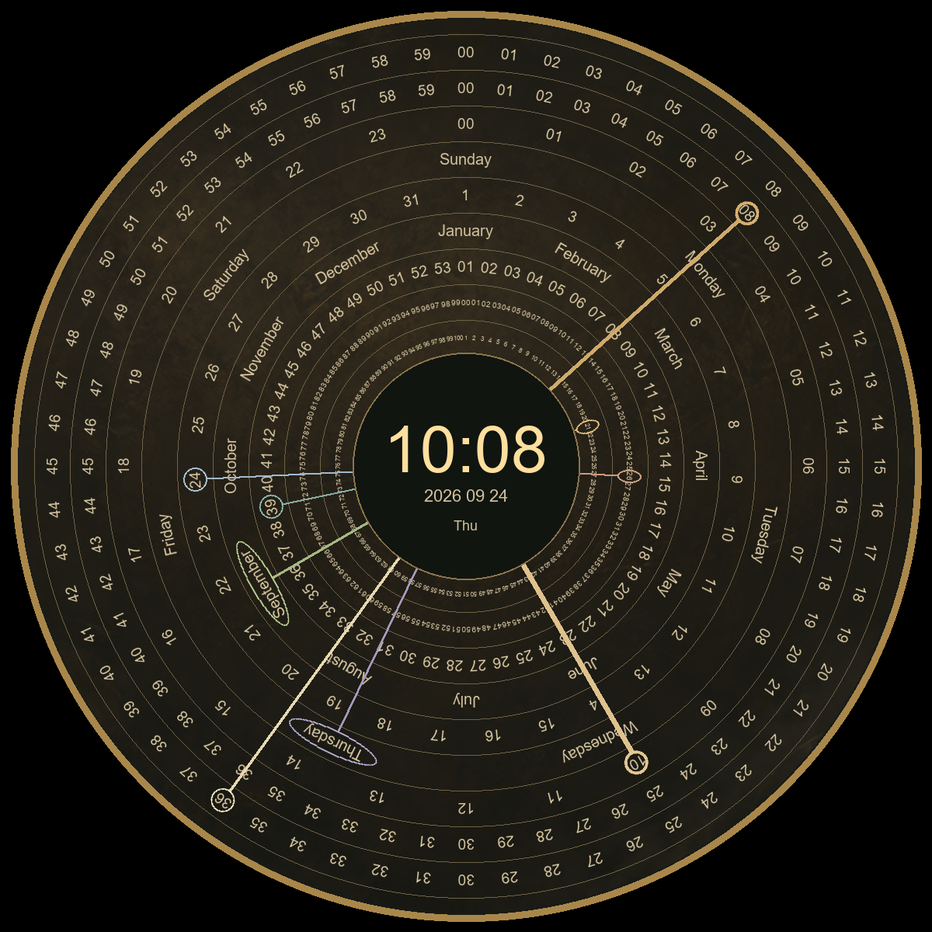
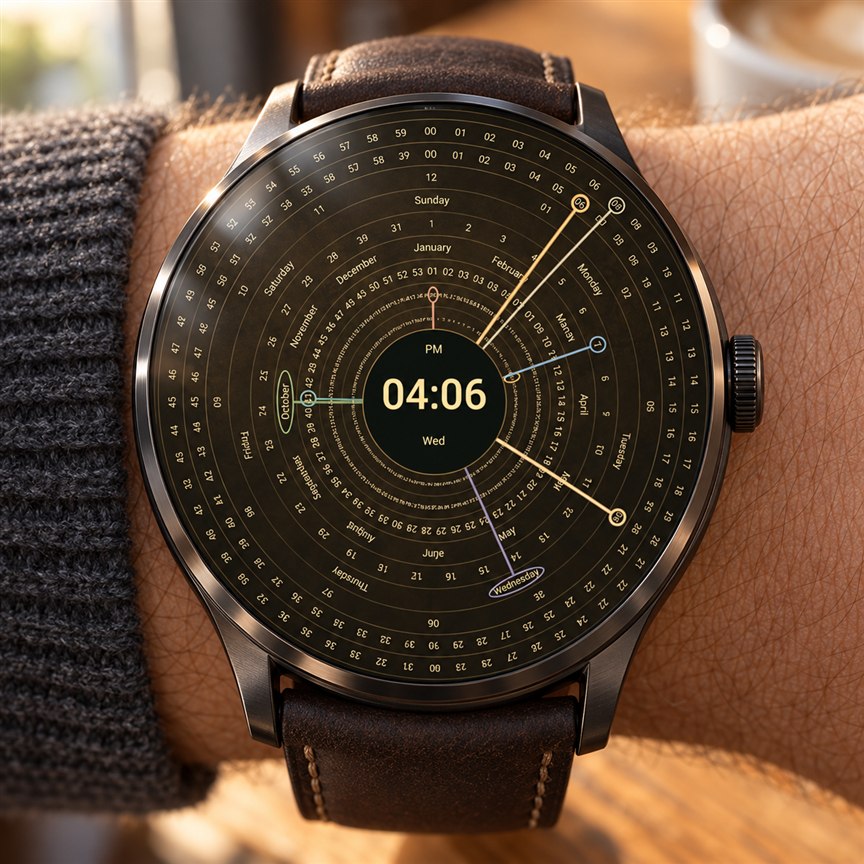
Nine outlined hands track century, year, ISO week, month, date, weekday, hour, minute and second. A central digital clock keeps the current time easy to find.
See the Nine Rings face previewA different perspective on time
A celestial clock for your phone and two distinctive watch faces for your wrist.
Install on an Android phone, a Wear OS watch, or both. The phone app and watch face work independently.
Android 8 or later · Compatible watches with Wear OS 4 or later
The bigger picture
Nine outlined hands track century, year, ISO week, month, date, weekday, hour, minute and second. A central digital clock keeps the current time easy to find.
See the Nine Rings face preview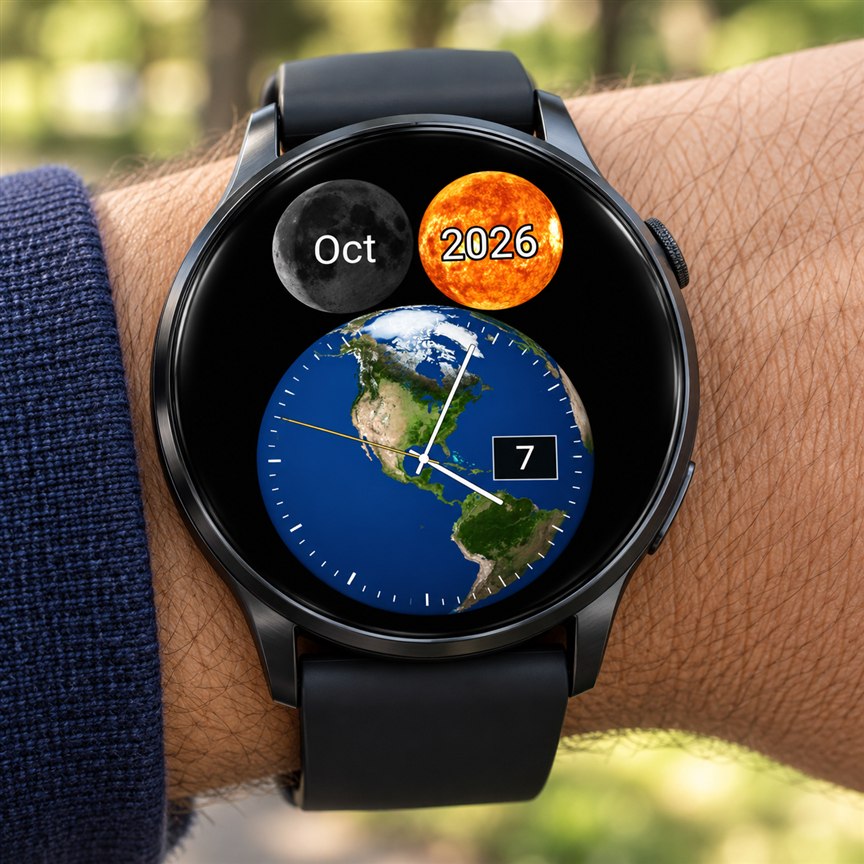
Your own little solar system
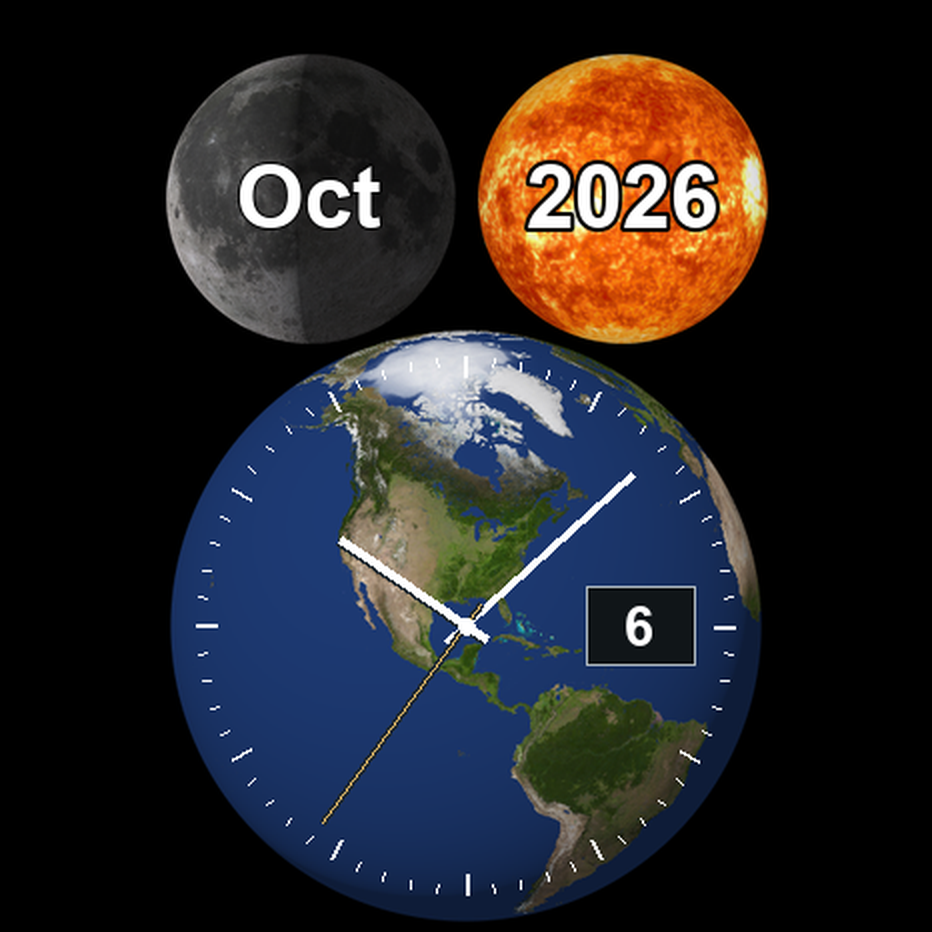
The Moon shows the abbreviated month and changing phase shadow. The Sun shows the year. Below them, Earth carries a traditional analog clock with a date window at three o’clock.
See the Celestials face previewAI-generated wrist mockups. Face details may differ from the installed app.
On your phone
Explore the ten-ring clock, sunrise and sunset estimates, and the changing Moon across illustrated themes.
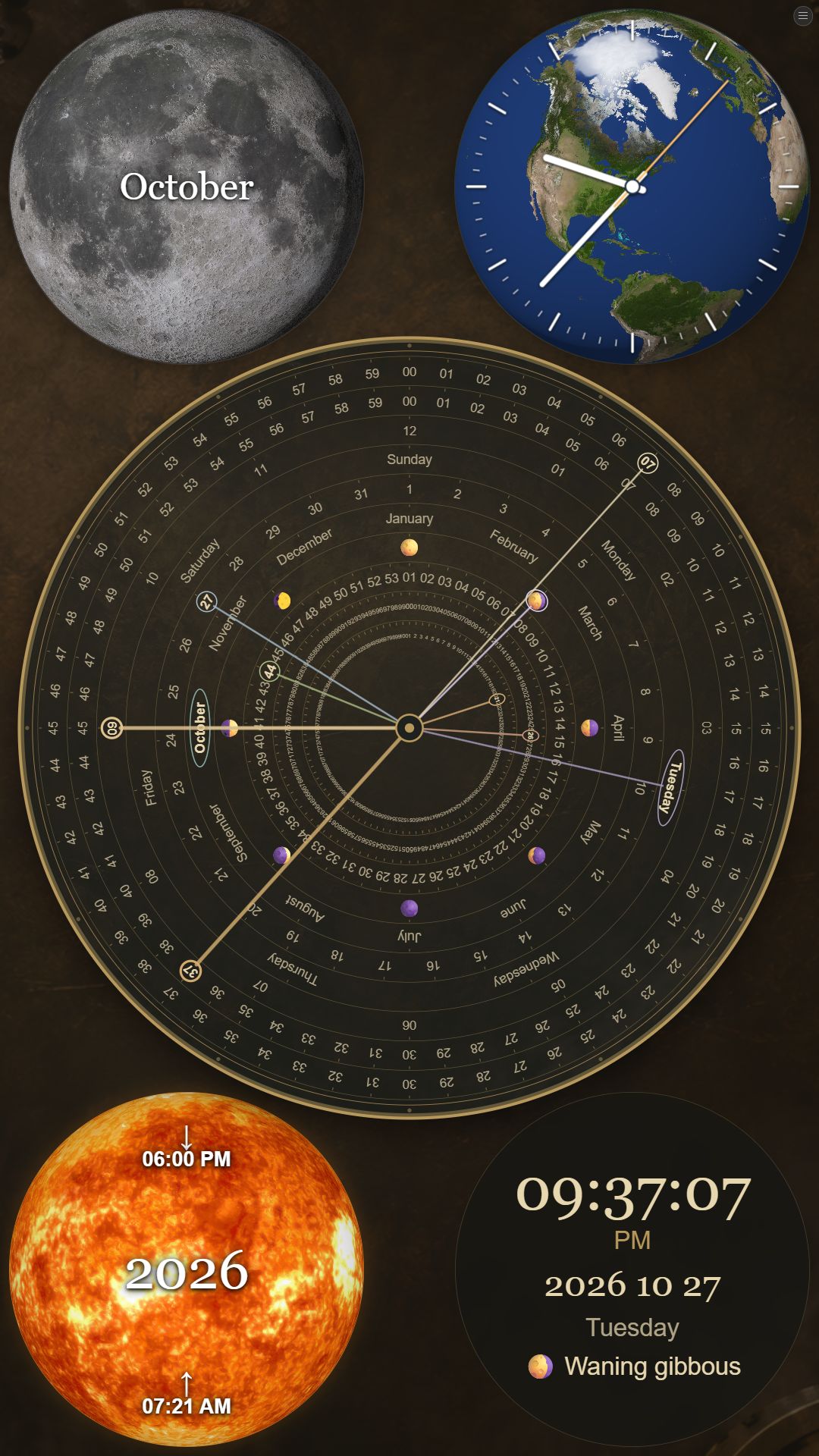
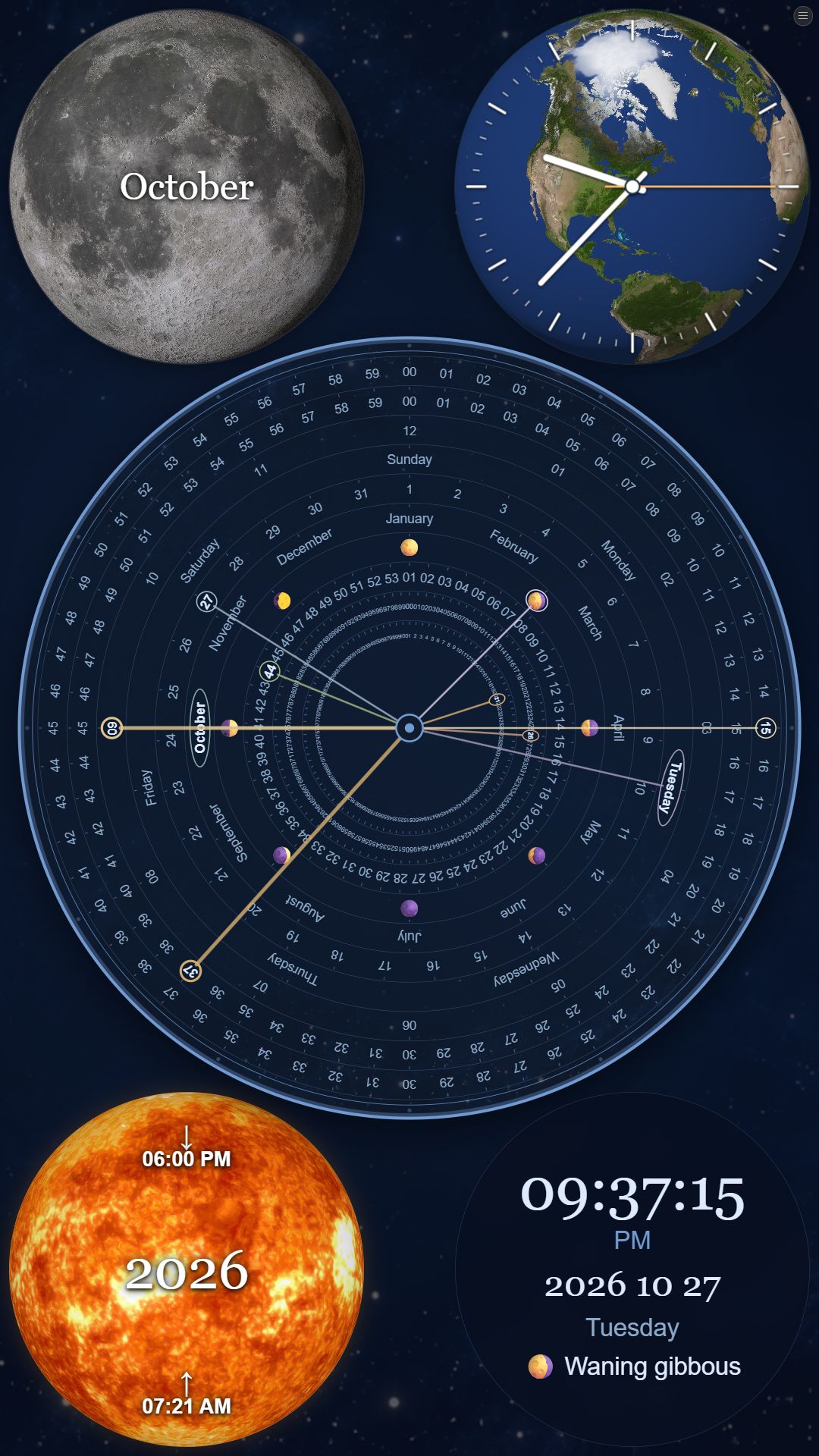
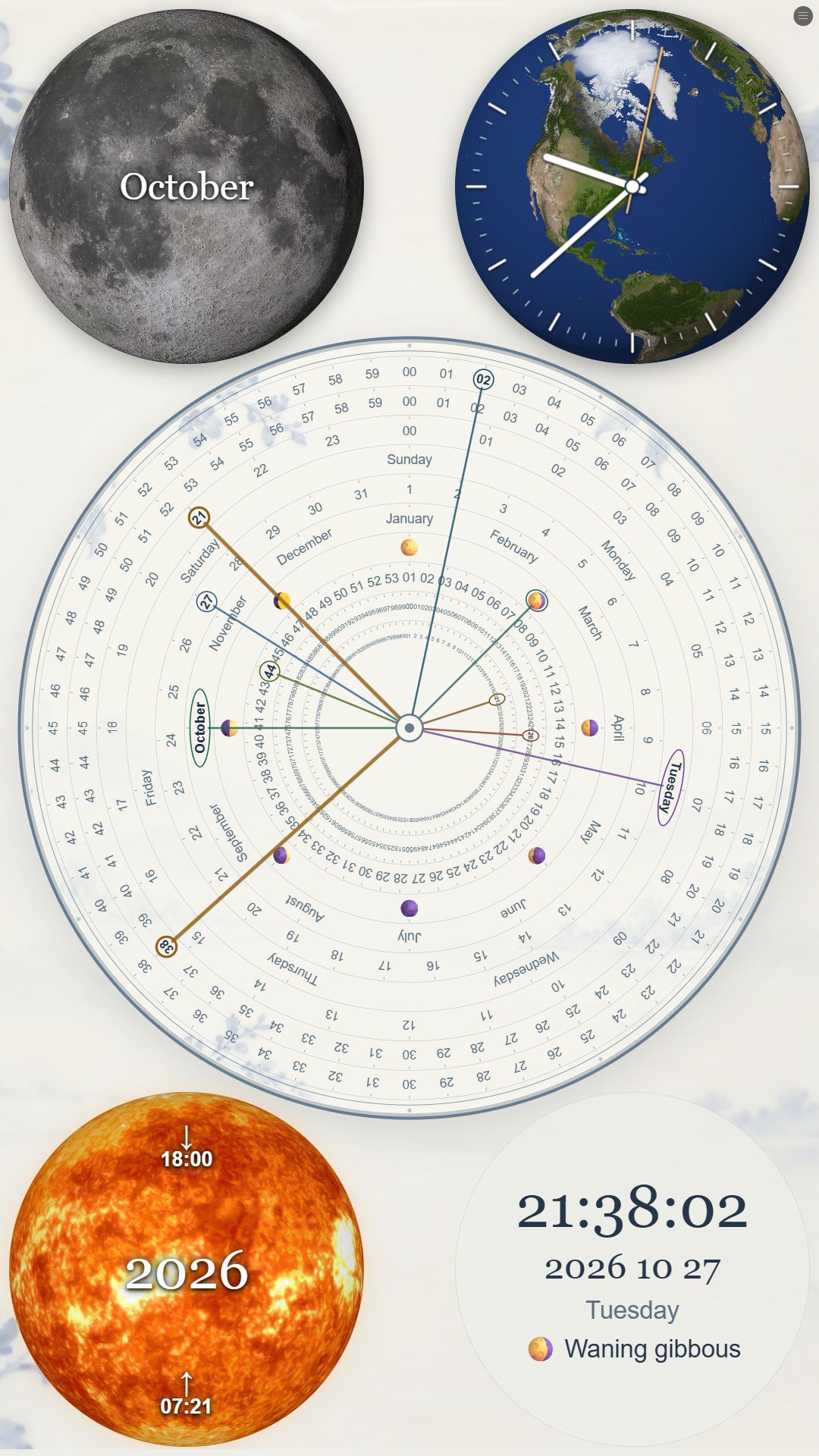
Choose either style in your watch’s face editor. Nine Rings follows your watch’s 12- or 24-hour setting. The Celestials month abbreviation follows its language settings.
A simplified, dim clock display is used in always-on mode. No account, location permission or companion app is needed.
Moon shading follows an approximate lunar cycle. Earth uses eight bundled views selected for supported watch time zones, with a default view for other zones. The artwork is not live satellite imagery.
The Moon stays upper left and the Sun upper right. Ring labels are in English. On OnePlus watches, third-party faces may require Smart Mode and use more battery than supported built-in faces.
Getting started
After installing the watch face from Google Play:
The exact labels and steps depend on your watch. This is a Wear OS watch face; it does not run on Apple Watch.
Email jwhite@coolbabynames.com with your watch model and a description of the issue.
Created by JustinWhite.com.